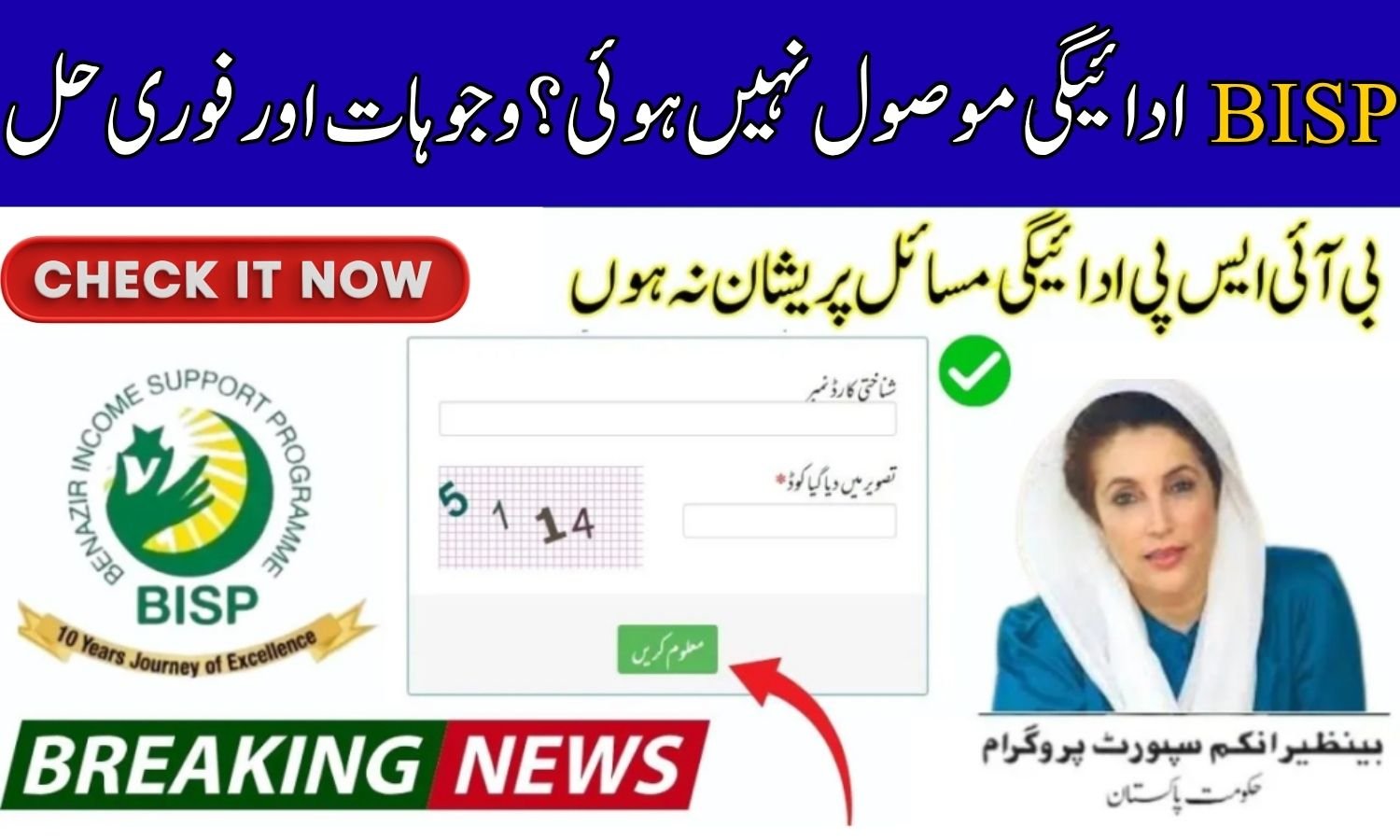
BISP Payment Not Received?
The Benazir Income Support Programme (BISP) provides financial assistance to millions of low-income families in Pakistan. However, many beneficiaries in 2026 report that they have not received their payments.
This guide explains the main reasons for delayed payments and the official solutions using the 8171 system so you can quickly resolve the issue.
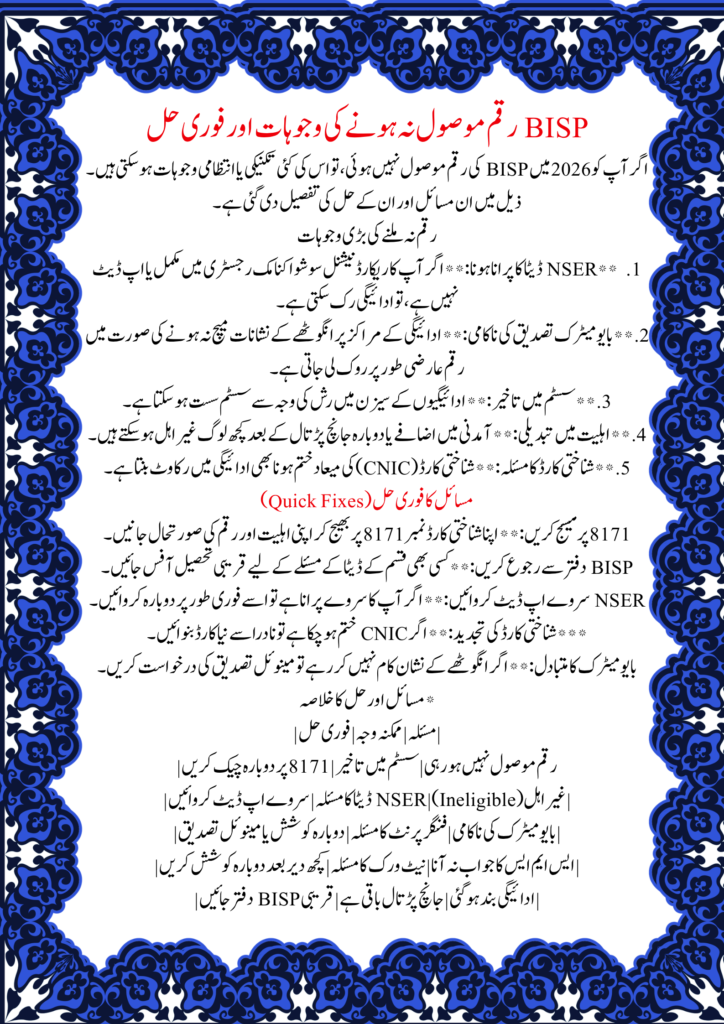
Why Didn’t You Get Your BISP Payment?
Several factors can cause payment delays or stoppages:
1. Missing or Outdated NSER Data
If your details in the National Socio-Economic Registry (NSER) are incomplete or outdated, it may affect your eligibility for BISP payments.
2. Biometric Verification Not Successful
Payments can be temporarily held if your fingerprint verification fails at the payment center.
3. Delays in Processing Payments
During busy payment cycles, a high number of requests may slow down the system, causing delays.
4. Status of Not Being Eligible
Some beneficiaries may lose eligibility after verification or due to changes in their income.
5. Problems with CNIC
Expired or invalid CNICs can prevent payments from being processed.
Fast Ways to Fix the Problem
Follow these official steps to resolve your BISP payment issues:
1. Send an SMS to 8171
- Open the SMS app on your phone
- Type your CNIC number
- Send it to 8171 to receive information about your payment and eligibility
2. Visit the Nearest BISP Center
Go to the closest BISP office to check your records and resolve any discrepancies.
3. Update Your NSER Survey Information
If your NSER data is outdated, update your registration to ensure eligibility.
4. Verify Biometric Information at Payment Center
Make sure your fingerprints match correctly. If verification fails, request a manual check.
5. Ensure Your CNIC is Valid
Renew your CNIC through NADRA if it has expired to avoid payment issues.
Common Problems and Quick Fixes
| Issue | Possible Reason | Quick Fix |
| Not getting paid | Delay in processing | Wait and check again through 8171 |
| CNIC not eligible | Problem with NSER data | Update survey data |
| Biometric failure | Fingerprint doesn’t match | Try again or request manual verification |
| No response via SMS | Network/system delay | Try again later |
| Payment stopped | Verification pending | Visit the nearest BISP office |
Another Way to Check Payment
If the BISP Payment Not Received? portal or website is not working:
- Open your phone’s SMS app
- Enter your CNIC number
- Send it to 8171
- Receive your payment and eligibility status immediately
This method is the most reliable way according to the government.
Important Advice
- Always use official 8171 services
- Do not trust agents who ask for money
- Keep your CNIC updated
- Complete biometric verification when required
- Check your payment status regularly
Frequently Asked Questions (BISP Payment Not Received?)
Q1: Why hasn’t my BISP payment come yet?
Delays can happen due to verification issues, outdated NSER data, or high payment processing load.
Q2: How do I check if my payment has gone through?
Send your CNIC to 8171 or check on the official BISP website.
Q3: What if biometric verification doesn’t work?
Retry at the payment center or request a manual verification.
Q4: Can payments be delayed?
Yes, especially during busy distribution periods.
Q5: Does using the 8171 service cost anything?
No, it is a free government service.