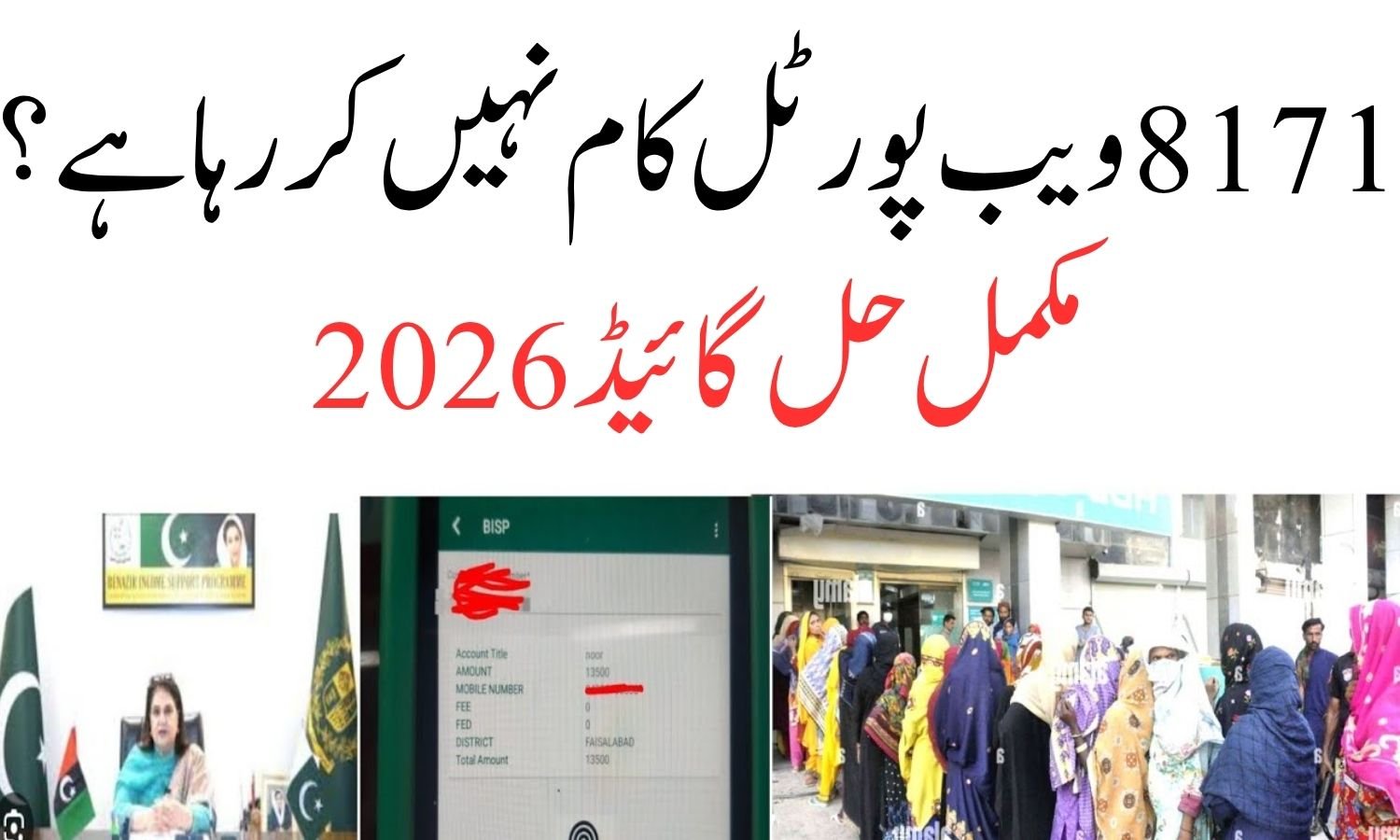
8171 Web Portal Not Working?
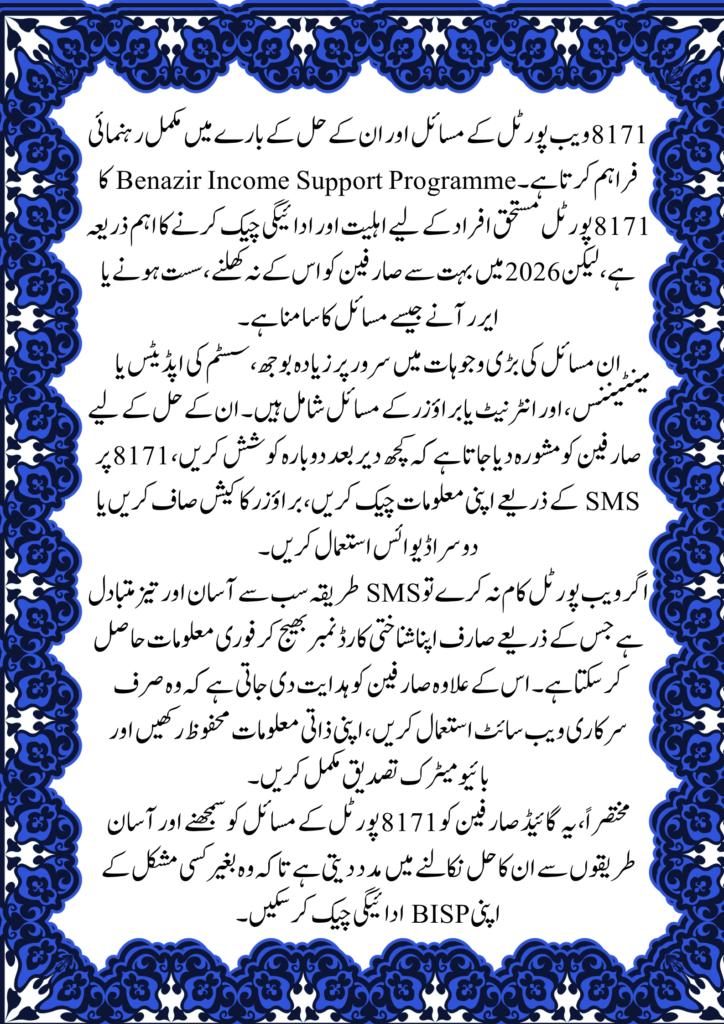
The 8171 web portal of the Benazir Income Support Programme is an important platform for checking eligibility and payment details. However, many users in 2026 are facing issues such as the portal not opening, errors, or slow loading.
This guide covers the most common problems and official solutions so you can continue checking your BISP payments
Why is the 8171 Web Portal Not Working?
There are several reasons why the portal may not function properly. Below are the most common ones:
Server Overload
During payment cycles, thousands of users access the portal at the same time. This heavy traffic can slow down the system or temporarily crash the website.
Maintenance or Updates
Government websites are regularly updated to improve security and performance. During maintenance periods, the portal may be temporarily unavailable.
Internet or Browser Issues
Sometimes the issue is not with the portal but with your internet connection, browser, or device settings.
Official Solutions to Fix 8171 Portal Issues
Here are some verified solutions based on official guidance:
1. Try Again Later
If the server is busy, wait for a few hours and try again during off-peak times such as early morning or late night.
2. Use the SMS Method (8171)
If the portal is not working, you can still check your status:
- Open your mobile SMS app
- Enter your CNIC number
- Send it to 8171
- Receive your payment details via message
3. Clear Browser Cache
Clear your browser’s cache and history, then reload the website. This often fixes loading issues.
4. Change Device or Browser
Try accessing the portal using a different browser like Chrome or Firefox, or switch to another device such as a smartphone.
5. Use Only the Official Website
Always access the official BISP portal to avoid scams and fake websites.
Common Problems and Quick Fixes
| Issue | Possible Reason | Quick Solution |
| Website not opening | Server overload | Try again later |
| Slow loading | High traffic | Use off-peak hours |
| CNIC not recognized | Data not updated | Verify NSER registration |
| Error message | System maintenance | Wait and retry |
| Page not responding | Browser issue | Clear cache or change browser |
Alternative Way to Check BISP Status
If the web portal continues to fail, the government recommends using the SMS method.
How to Use SMS Service
- Open your phone’s SMS app
- Enter your CNIC number
- Send it to 8171
- Instantly receive eligibility and payment information
This method works even when the website is down.
Important Instructions
- Do not share your CNIC with unknown individuals
- Avoid unofficial websites and agents
- Keep your CNIC valid and updated
- Complete biometric verification when required
Frequently Asked Questions (8171 Web Portal Not Working?)
Q1: Why is the 8171 portal not working today?
It is usually due to heavy traffic or system maintenance.
Q2: What is the fastest way to check status?
The SMS method (8171) is the quickest and most reliable option.
Q3: Is the 8171 portal free to use?
Yes, it is a free service provided by the government.
Q4: Can I check my status without internet?
Yes, you can use the SMS method.
Q5: What should I do if my CNIC is not found?
You may need to update your information in the NSER survey.